
QR Display
Acrylic QR Code Display
Standard acrylic display for multiple QR codes.
PricingFrom $45.00 · 2 QR Codes
View Product →
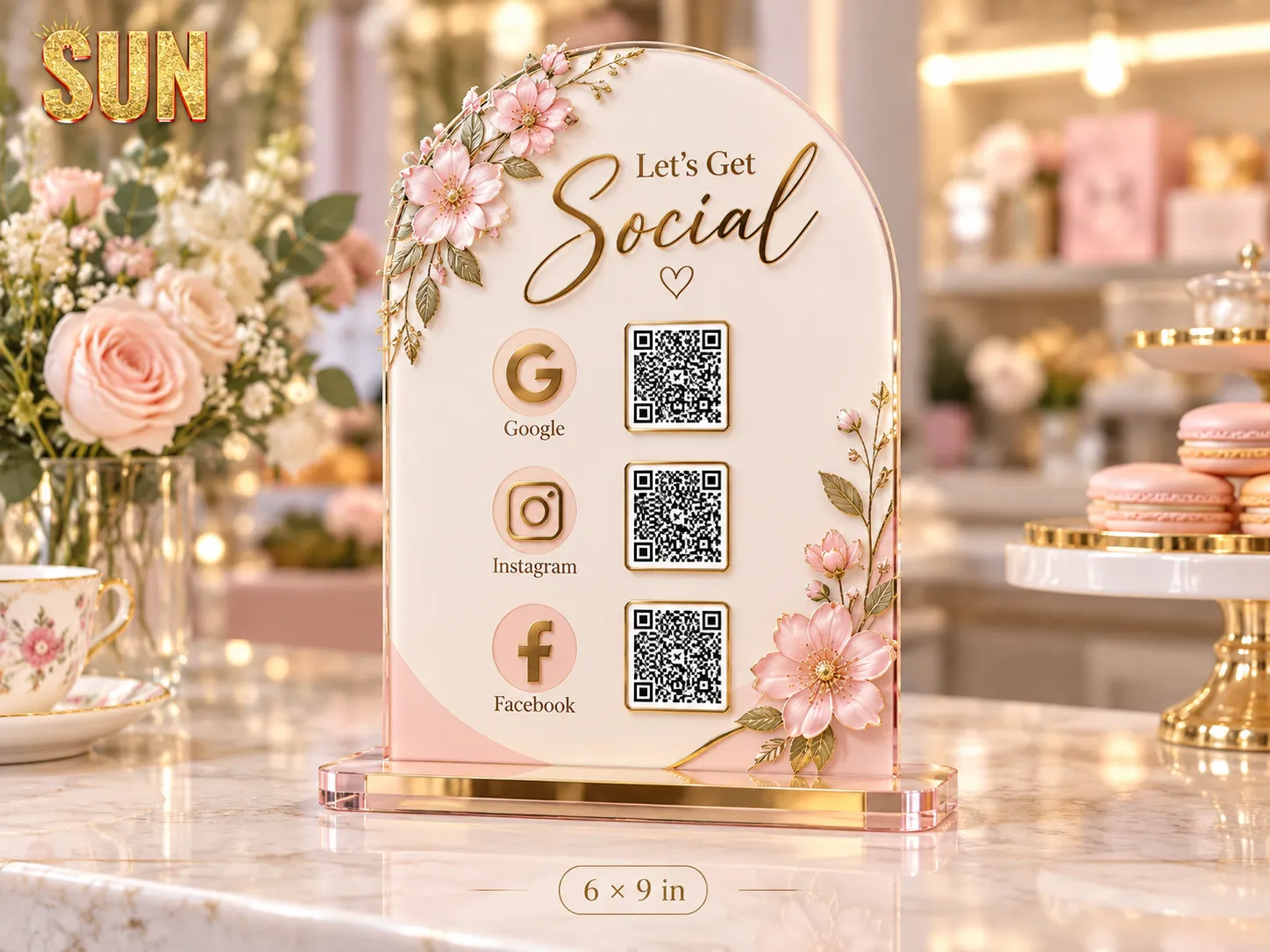
Acrylic QR code displays and NFC + QR display options for counters, reception areas and customer touchpoints.
2 current products in this category.
Standard acrylic display for multiple QR codes.
NFC-enabled QR display supporting up to two QR codes.
Use a standard acrylic QR display for scan-based actions or NFC + QR when tap and scan access are both needed.
Acrylic displays can present multiple QR codes for actions such as menus, reviews or social links.
The NFC + QR option combines tap functionality with QR codes in one display.
Plan where customers will see and reach the display so the content and number of actions stay clear.
Choose the option first, then send the information needed to review the project accurately.
Prepare the live links or destinations that each QR code should open.
Know how many QR actions are needed so the correct display option can be selected.
Provide the business name, labels and any instructions that should appear with the QR codes.
Keep the product choice, artwork and specifications together from quote through approval.
Select the product option that best matches the project.
Provide quantity, artwork status and any product-specific requirements.
Review the specifications and artwork before production.
Approved work moves into printing and the applicable delivery process.
For product-specific pricing and specifications, open the product page or send the requirements with a quote request.
The standard acrylic product is QR-based, while the NFC + QR product adds tap functionality alongside QR codes.
The product pages show the current QR-count options and limits for each display type.
Provide the destination links and labels for each action so the display can be prepared correctly.
Send the product option, quantity, artwork status and project notes for review.